Dragonhold Multiplayer Hub
Party up for Azarkeen — co-op roles, dedicated servers, ports, and loot etiquette for dragon riders.
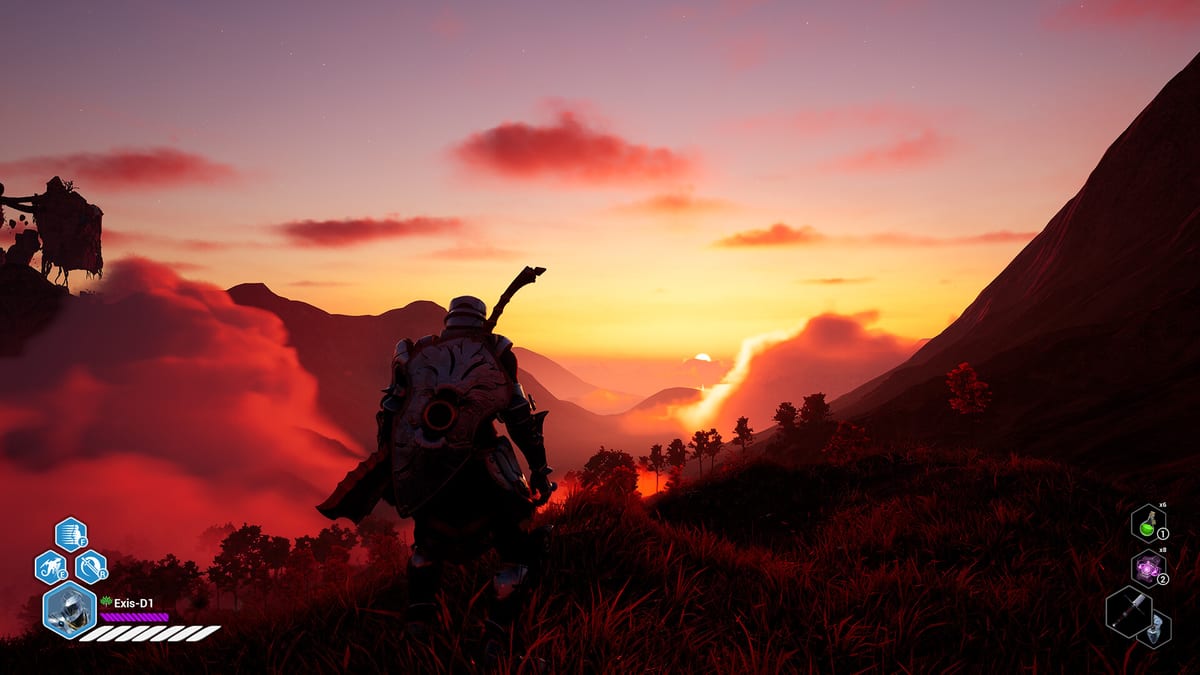
Dragonhold is fully playable solo, but Exis Games built online co-op and self-hosted dedicated servers for riders who want shared extractions, boss takedowns, and castle progress that carries across sessions. Multiplayer is not a separate game mode bolted onto single-player — the same mission loop, Hand of Fate modifiers, loot rules, and hub rebuild systems apply whether you ride alone or with a party.
This multiplayer hub collects practical guides for forming stable groups, hosting sessions on Steam hardware, and communicating under AI Director pressure. Dragonhold is not always-online; you can run your own dedicated server files from Steam or join official/community hosts. Understanding that distinction prevents players from assuming MMO-style persistence where none exists.
Featured multiplayer guides
Start with the Co-op Guide for party composition, revive etiquette, extraction callouts, and how dragon riders split air versus ground roles. Co-op magnifies both loot throughput and wipe risk — parties that never agree on extract timing lose more gear than solo riders who bail early.
Hosts and admins should read Dedicated Server next. It covers Steam dedicated server files, community-reported default ports (7777 UDP game / 27015 UDP query — treat as community docs, not guaranteed official constants), firewall forwarding, and LAN alternatives when port forwarding is painful.
Fireteam Voice Chat covers Hotfix 1.4’s auto-enabled party voice — mute etiquette, extract callouts, and when to fall back to external apps. Pair with Hotfix 1.4 for patch context.
Hotfix 1.4 added Fireteam Voice Chat for in-game party comms — extract callouts, dragon ability sync, and Director spike warnings without relying solely on external apps.
Solo-first players joining friends
If you learned mechanics alone, skim How to Play Solo anyway — solo pacing teaches extraction discipline that co-op groups need on voice comms. Then align on loot rules using Loot Guide before chasing relics.
New hosts can cross-link How to Host a Server for a narrative walkthrough and Server Port Checklist for a printable pre-flight review.
Progress, saves, and Early Access caveats
Castle growth and character progress are designed to carry between solo and co-op, but patches occasionally change save locations or session rules. Check Updates after major multiplayer patches and confirm backup practices in the dedicated server guide before wiping a host machine.
Mixed Steam reviews often mention co-op stability during peak patch weeks — plan play sessions after hotfix notes when possible.
Recommended reading order
- Co-op Guide — roles, comms, and extract calls.
- Dedicated Server — hosting, ports, and connectivity.
- Fireteam Voice Chat — Hotfix 1.4 in-game comms and etiquette.
- Server Port Checklist — router and firewall verification.
- Getting Started — loop basics for players new to the franchise.
Related hubs
- Guides — mission and boss strats that scale to parties.
- Tools — checklists for hosts and shot-callers.
- Review — post-1.0 buying context and PC requirements for hosts.
Use sibling pages below for depth. Multiplayer Dragonhold works best when everyone treats extraction as a team decision — not a solo greed contest with witnesses.
Frequently Asked Questions
Quick answers tied to this page.
Is Dragonhold co-op required to progress?
No. Solo play supports the full mission and castle loop. Co-op is optional; see How to Play Solo.
Can I run a dedicated server for free?
Yes. Exis Games provides dedicated server files on Steam. Dedicated Server covers setup and community-reported ports.
Does loot belong to one player in co-op?
Agree on loot rules before the run. Co-op Guide and Loot Guide cover fair splits and role-based priorities.